

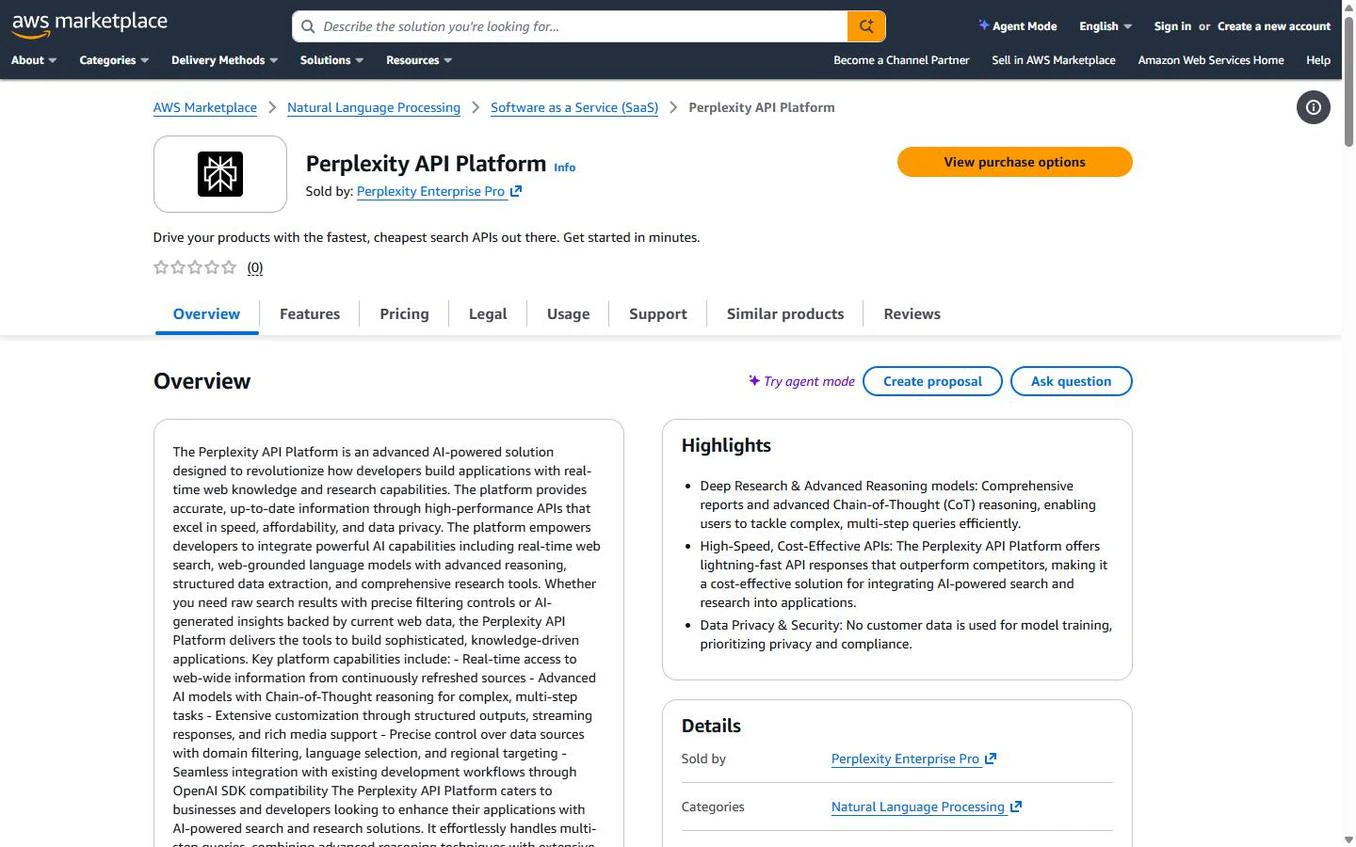
The Perplexity API Platform listing on AWS Marketplace
This listing is for the API Platform (Orchestrator API, Agent API, Search API, and Embeddings). It’s a separate product from Enterprise Pro, which doesn’t include API access.
Why Subscribe Through AWS Marketplace?
Purchasing through AWS Marketplace offers several advantages over direct billing:- Consolidated AWS billing — charges appear on your existing AWS invoice alongside other AWS services, simplifying finance and accounting workflows
- Enterprise procurement — satisfies procurement requirements for organizations that mandate AWS Marketplace purchases; no separate vendor relationship needed
- EDP eligible — purchases count toward your AWS Enterprise Discount Program (EDP) commitments
- Simplified vendor management — no separate contract or payment method to maintain; AWS handles invoicing
View the listing on AWS Marketplace
Subscribe and get started with the Perplexity API Platform.
Pricing
The Perplexity API Platform on AWS Marketplace is available as a 1-month contract with API platform credits:
Credits are denominated 1:1 with USD — 1 credit = $1. Credits are applied to your account balance and drawn down as you make API requests.
All Perplexity API products — Orchestrator API, Agent API, Search API, and Embeddings — draw from the same shared credit pool. You don’t need separate budgets per product.For per-request and per-token pricing details, see the Pricing page.
How to Subscribe
- Visit the Perplexity API Platform listing on AWS Marketplace
- Click View purchase options
- Choose your credit amount, then click Create contract
- Confirm the purchase — AWS will process the subscription and notify you by email
- Complete the post-purchase registration step in AWS Marketplace. AWS may present this action as Set up your account or similar. Confirm the billing contact email for your AWS Marketplace subscription with your purchasing team. You use this email to access the provisioned Perplexity API project.
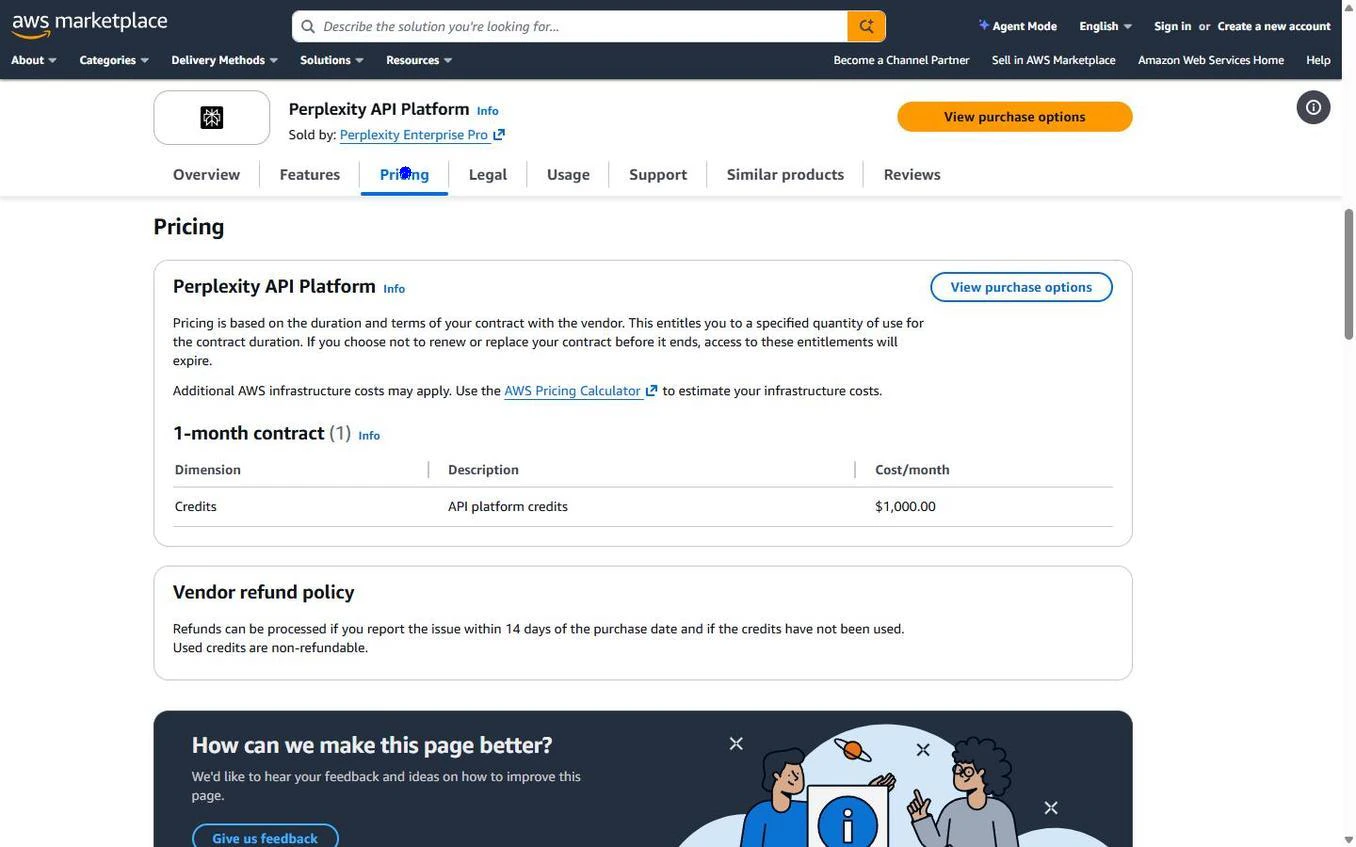
Pricing section on the AWS Marketplace listing
Getting Started After Registration
After you submit your AWS Marketplace registration, Perplexity finds or creates a user account using the billing contact email supplied for your AWS Marketplace subscription. Perplexity makes that user the administrator of a new API project, generates the initial API key, and applies the purchased credits to that project. Your billing contact email can differ from the email you use to sign in or complete registration. Signing in with a different email does not automatically give you access to the provisioned project or its credits.- Sign in: Go to console.perplexity.ai and use the billing contact email supplied for your AWS Marketplace subscription. If you are already signed in with a different email, sign out first.
- Open the provisioned project — select the new AWS Marketplace project in the API Portal. You don’t need to create or link the project manually. See Projects & Billing.
- Invite teammates: Open Members in the project to invite developers and other teammates using their own email addresses. Assign Admin or Member access as needed.
- Start using the APIs — use the initial API key created during provisioning. All API products (Orchestrator API, Agent API, Search API, and Embeddings) share the project’s credit balance. You can manage additional keys in API Key Management and monitor usage and remaining credits in the console.
AWS Marketplace credits are provisioned into this new API project. They are not added to an existing self-service API project.
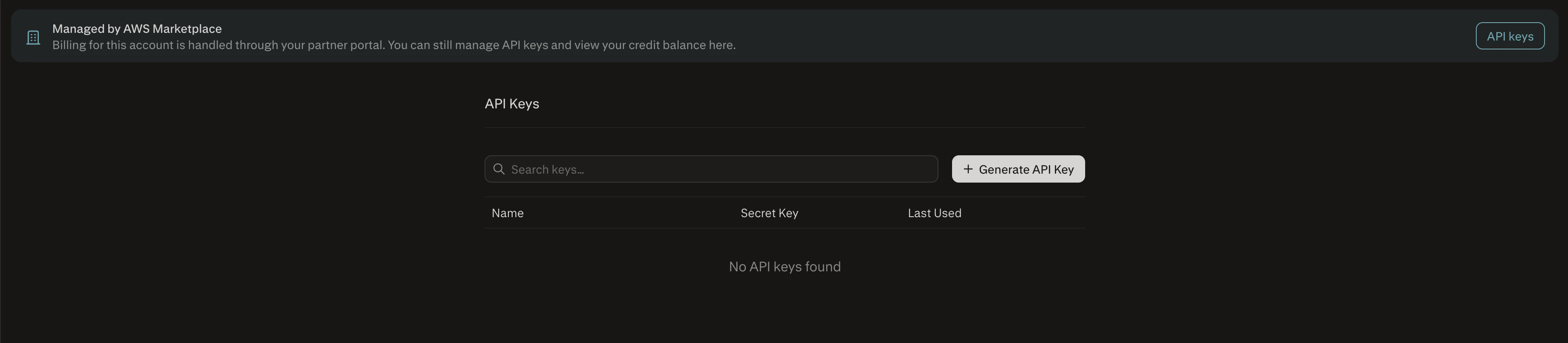
Manage additional API keys in the Perplexity console
Refund Policy
If you need to cancel your subscription, refunds are available within 14 days of purchase provided that no credits have been used. To request a refund, contact aws-api@perplexity.ai with your AWS Marketplace order ID.Support
For questions about your AWS Marketplace subscription, billing, or API usage, contact the Perplexity API team: Email: aws-api@perplexity.ai For issues related to completing AWS Marketplace registration, contact the Clazar support team: Email: support@clazar.io Include your AWS Marketplace agreement ID, order ID, and billing contact email when reaching out so we can locate your subscription quickly.Additional Resources
Quickstart
Make your first API request in minutes.
Pricing
Per-request and per-token pricing for all APIs.
AWS Marketplace listing
View the Perplexity API Platform listing on AWS Marketplace.