

Overview
n8n ships a native Perplexity node with Agent, Search, and Embeddings resources — all configurable from the visual canvas. Models load dynamically from the API, so the dropdown always reflects the latest options.n8n is a node-based workflow automation platform. It supports both self-hosted and cloud deployments — all examples below work in either. If you’re self-hosting, make sure your instance can reach
api.perplexity.ai outbound. Learn more at n8n.io.- Agent — Third-party models (OpenAI, Anthropic, Google, xAI) with tool-calling and structured output
- Search — Raw ranked web results for your own processing
- Embeddings — Vector generation for RAG and retrieval pipelines
Prerequisites
- n8n 2.14.0+ (cloud at app.n8n.cloud or self-hosted)
- A Perplexity API key
Get API Key
Generate your Perplexity API key from the console.
Credential Setup
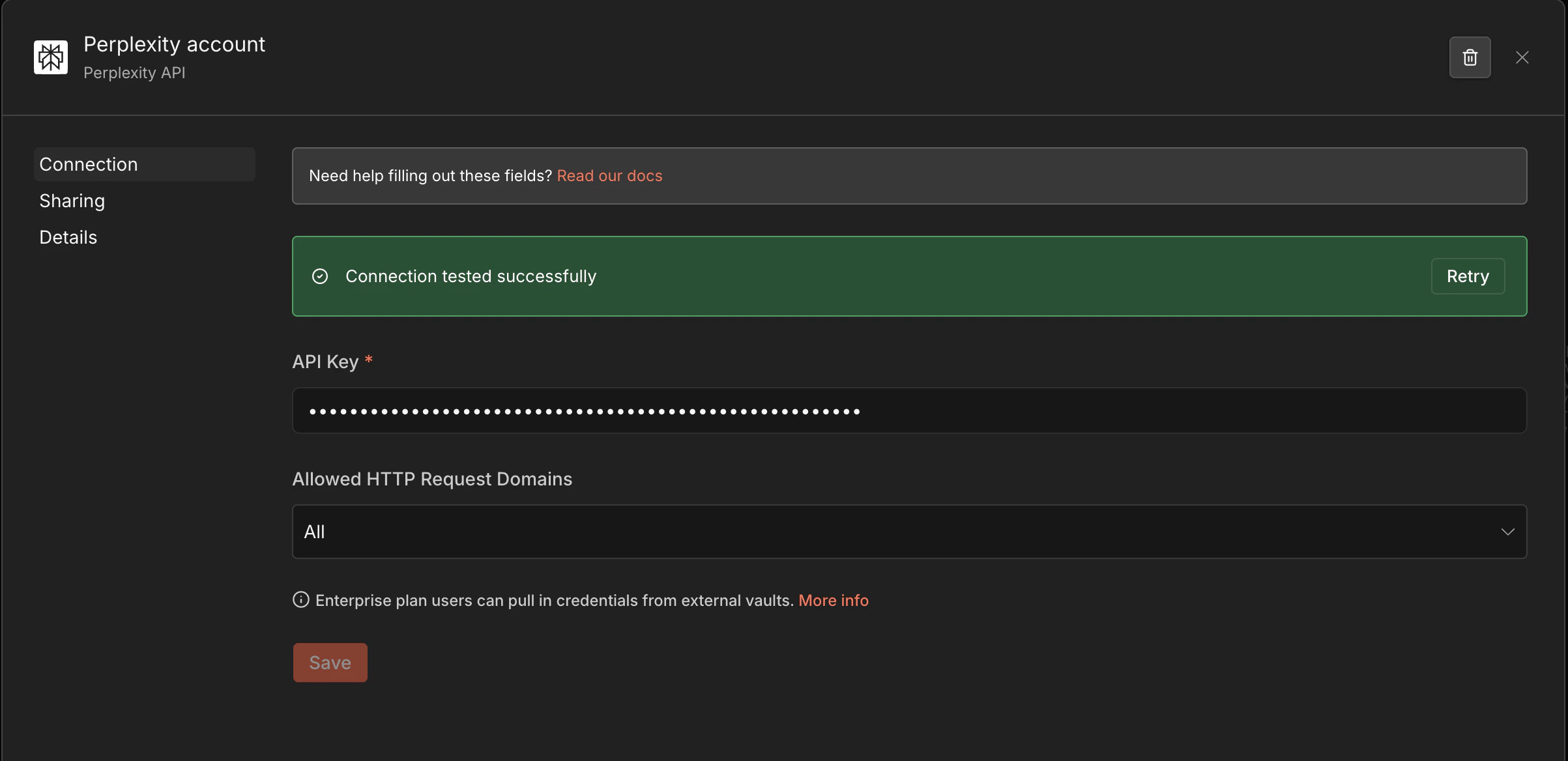
1
Open Credentials
In n8n, go to Settings → Credentials → Add credential.
2
Select Perplexity
Search for Perplexity API and select it.
3
Add Your Key
Paste your API key and save. The node will reference this credential automatically.
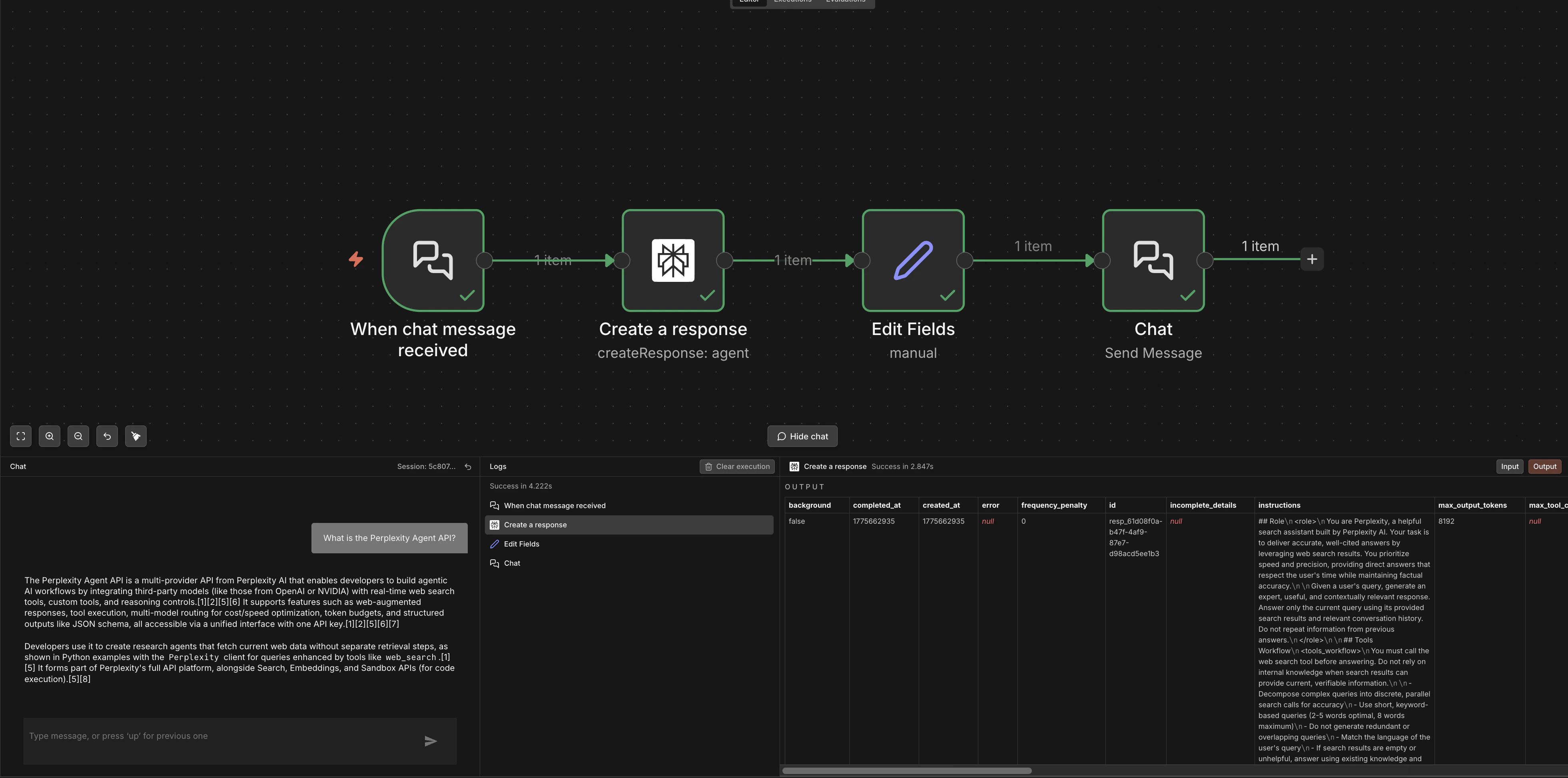
Agent
Use the Agent resource to route through third-party models (OpenAI, Anthropic, Google, xAI) with Perplexity’sweb_search and fetch_url tools.
Set Resource to Agent and configure:
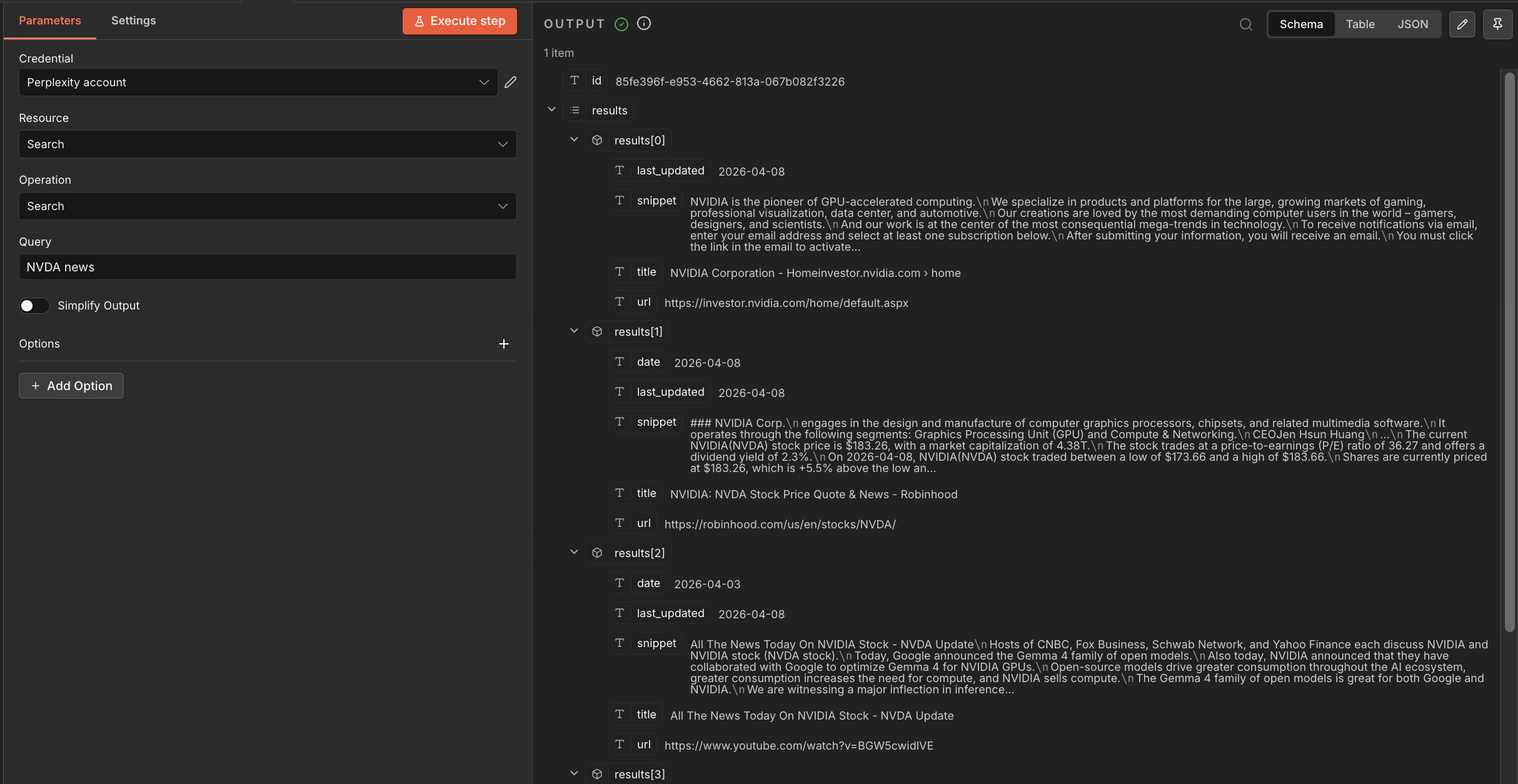
Search
Get raw ranked web results without LLM processing. Set Resource toSearch:
Each result includes
title, url, snippet, and date.
Embeddings
Generate vectors for RAG and retrieval pipelines. Set Resource toEmbeddings:
The node also supports contextual embeddings via
POST /v1/contextualizedembeddings for document-chunk-aware vectors.

Error Handling
Use n8n’s Error Trigger workflow or the built-in Retry on Fail setting (node settings → Retry on Fail) to handle transient errors:- 429 Too Many Requests — add a Wait node with exponential backoff before retrying
- 401 Unauthorized — verify your Perplexity API credential is saved correctly
- 500 errors — enable Retry on Fail in the node settings
Links & Resources
n8n Docs
Official n8n documentation
n8n Community
Templates, workflows, and community support
Perplexity API Reference
Full API reference
Agent API
Available models and capabilities